Your own custom templates
Design templates in the built-in drag-and-drop editor with text, images, video, shapes, icons, clocks, charts and live web pages. Save them and reuse them on any screen.
DigitView turns any Android TV, Fire TV or media player into a managed digital sign. Design menus, promos and live order boards in your browser, then push them to every location in seconds.
Your first screen is free. No credit card needed. Already a customer? Sign in to your dashboard.
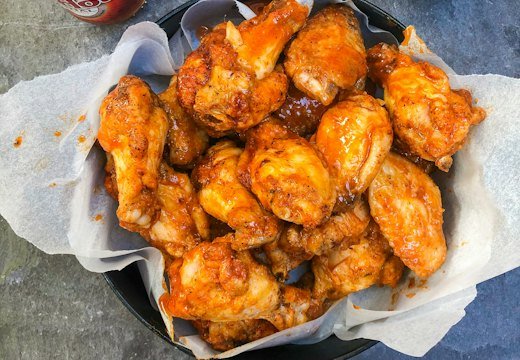
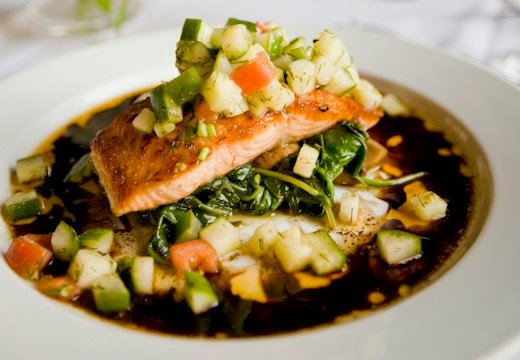
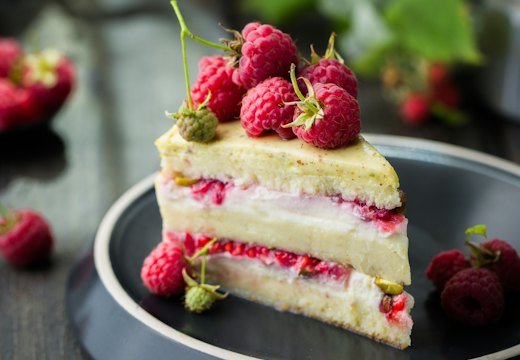

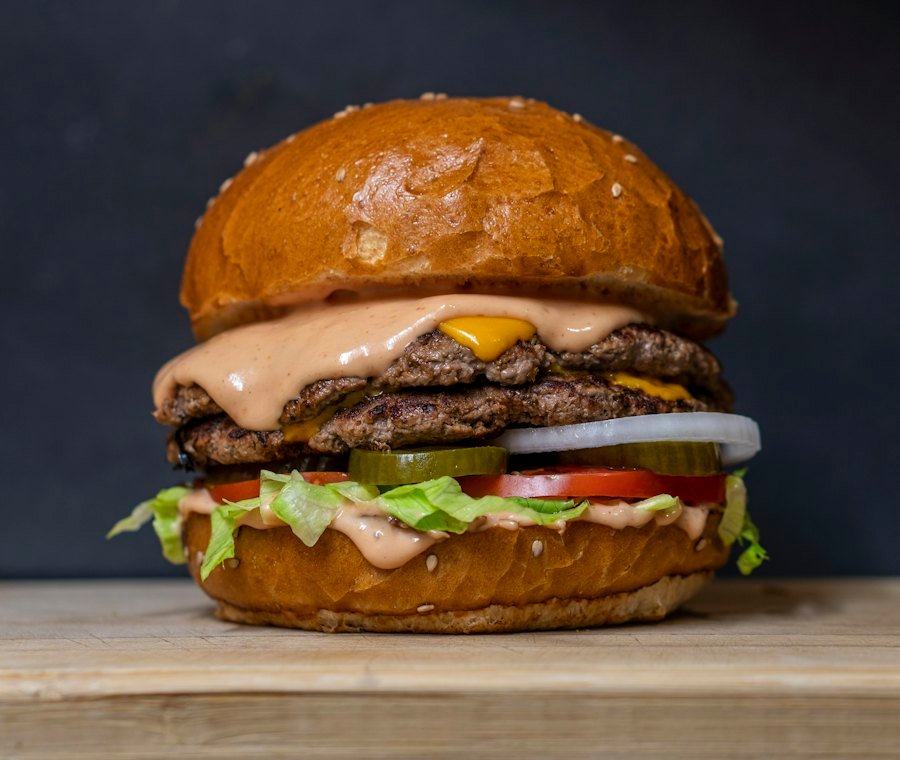
Two smashed patties, melted American cheese, pickles and our house sauce on a toasted brioche bun.
 Every day · 3–6 PM
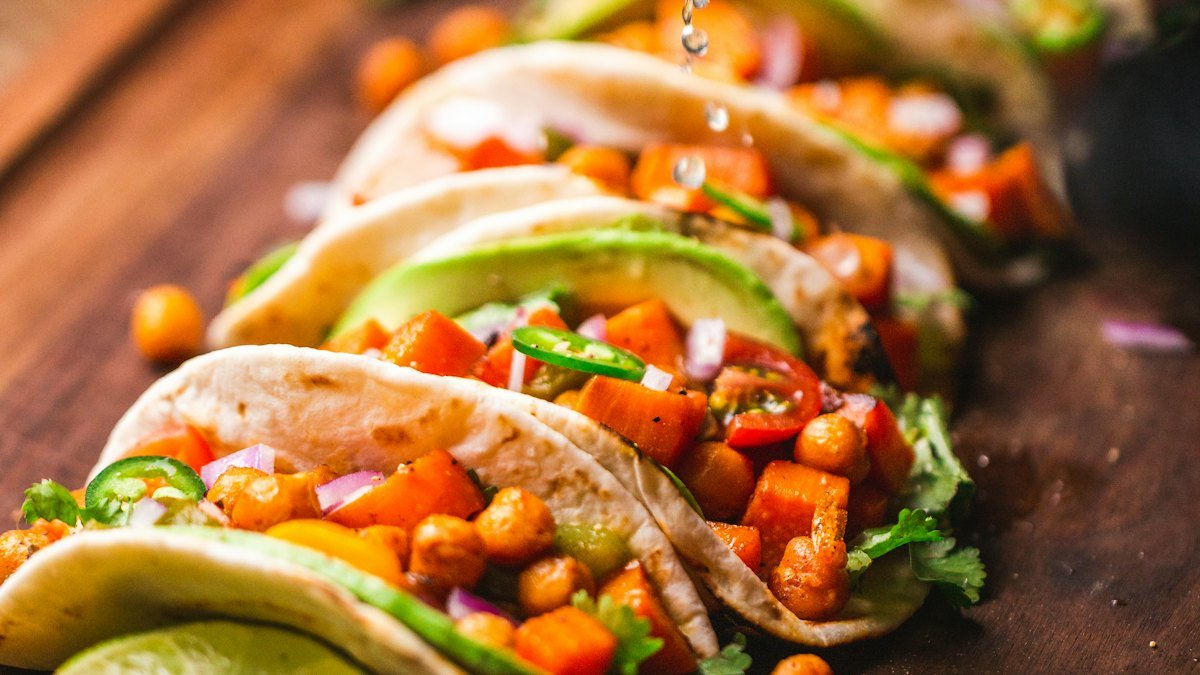
Any two tacos and a drink.
ONLY$12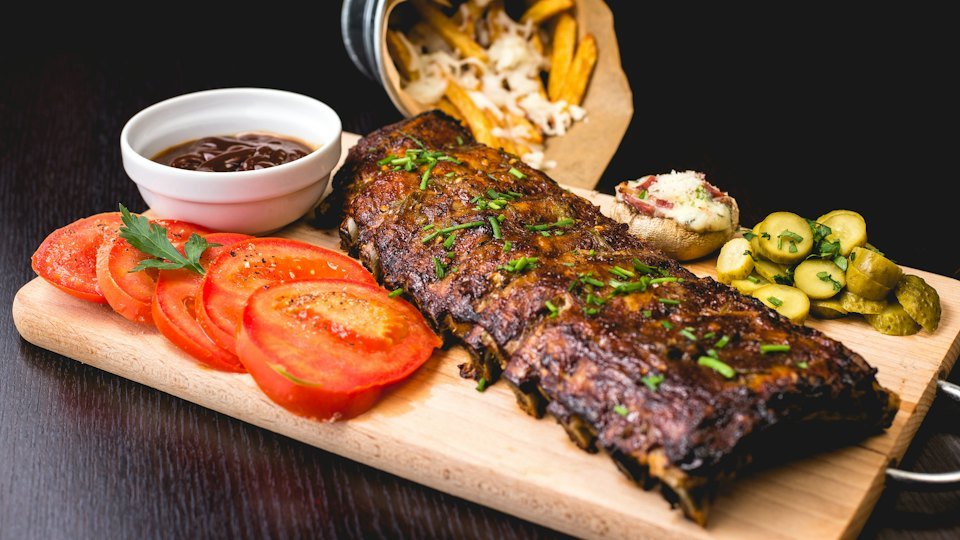 Your
YourBuild it once in the browser. DigitView keeps every display updated, online and on-brand.
Design templates in the built-in drag-and-drop editor with text, images, video, shapes, icons, clocks, charts and live web pages. Save them and reuse them on any screen.
Group slides into playlists with transitions and timing, then assign one to any screen. Change it once and every screen playing it updates.
Group screens by store, floor or room. See each site at a glance and manage one location without touching the others.
Connect Toast and your screens show orders moving from Preparing to Ready as the kitchen works. Guests stop crowding the counter, and staff stop calling out numbers.
Online status for each display and live screenshots on request, so you know a sign is working without driving to the store.
Push a design to the screens you pick, right now. Perfect for flash sales, weather closures and special announcements.
Show any web page full screen, with automatic sign-in and timed refresh. Ideal for sales boards, KPIs and calendars.
Upload your photos, videos and backgrounds once and reuse them on any slide, at any location.
Get DigitView from Google Play or the Amazon Appstore on the TV, Fire TV stick or player connected to your display.
The screen shows a short pair code. Enter it in your dashboard and the display joins your account.
Pick a slideshow for the screen. Every change you make in the browser shows up on the display automatically.
Menu boards, daily specials and live order pickup screens.
Promotions, new arrivals and seasonal campaigns across every location.
Welcome screens, announcements and live company dashboards.
Class schedules, service menus and waiting-room content.
Every plan includes the full editor, slideshows, Live Cast and remote monitoring.
Free while you use one screen
Billed monthly
Billed monthly
Any display with an Android TV, an Amazon Fire TV stick, an Android media player or an Android tablet, plus an internet connection. Install DigitView from Google Play or the Amazon Appstore and you are ready to pair.
Open the app on the display and it shows a pair code. Sign in to your dashboard, add a screen, and enter the code. The screen starts playing the slideshow you assign.
Yes. Group screens by location, see which ones are online, request a live screenshot, and update one site or all of them from the same dashboard.
DigitView connects to Toast to show live order status on your screens. Orders appear as Preparing and move to Ready automatically.
Yes. Cancel from your dashboard whenever you like. Your plan stays active until the end of the period you already paid for.
Questions, feedback or an idea for a new feature? Send it our way. Customer feedback and feature requests shape what we build next.
Write to us any time. A real person on the DigitView team reads every message.
Trouble pairing a screen, a slide that won't update, or a billing question.
Tell us what works, what doesn't, and what would make DigitView better for your business.
Need a new element, integration or report? Describe it and we'll consider it for the roadmap.
Install DigitView on your TV, pair it with a free account, and have your first slide on the wall in minutes.
Sign in to your dashboard